eWeLink on Wear OS: Control Your Smart Home From Your Wrist
The latest version 5.21 of the eWeLink App now supports Wear OS–powered Android watches, allowing Prime subscribers to control their smart-home devices anytime—right from their wrist.
Check device status, turn devices on or off, or run your favorite manual scenes without taking out your phone or opening the app.
How to Set Up eWeLink on Wear OS
Follow the steps below to get started:
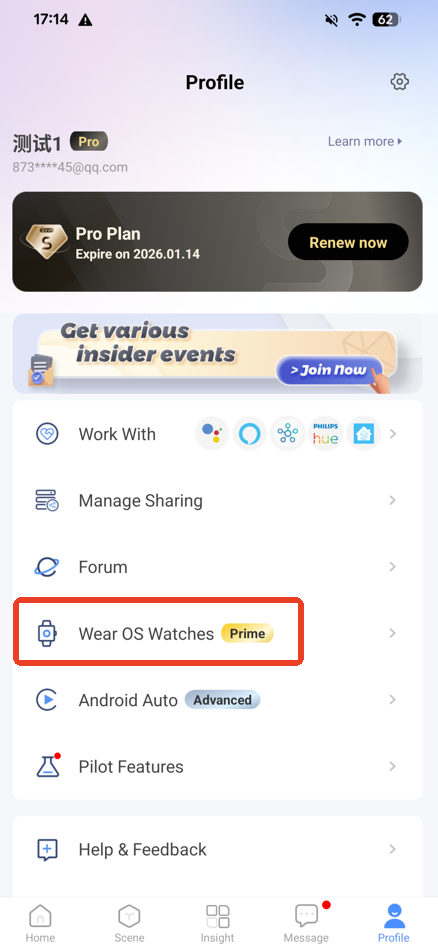
1. Open eWeLink App, go to Profile → Wear OS Watches.
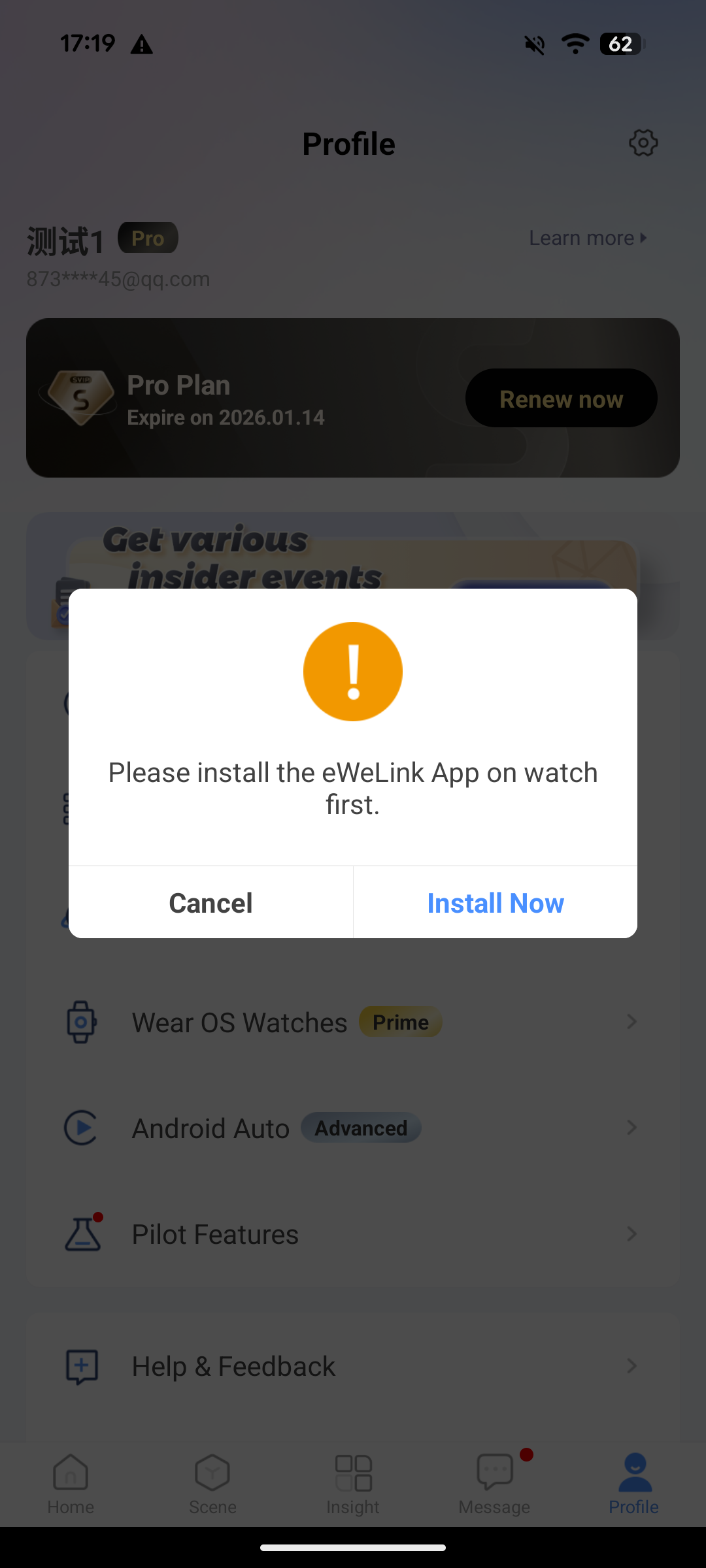
2. Install eWeLink on your Wear OS watch
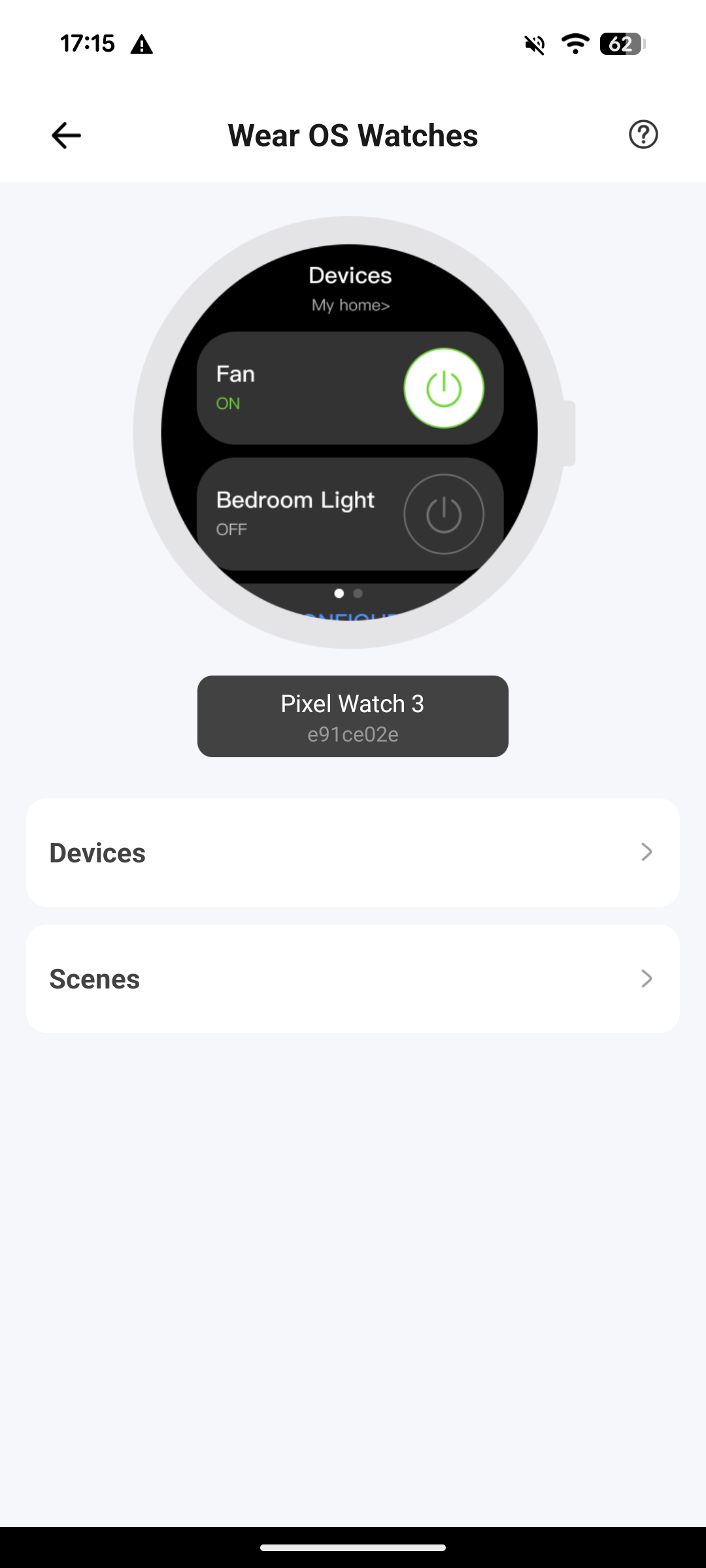
3. Configure the devices or scenes you want to add to your watch on this page, then swipe left or right on the watch to switch between them.
*Notes for Android Watches
-
For non-Pixel Android phones, you need to download the Google Pixel Watch app from Google Play to pair with the watch.
-
Requirements for using Android watches:
-
Wear OS version 5.1.0 or above
-
Android 15 or above
-