Store Coupons:Exclusive Deals for eWeLink Prime Yearly Members
The Store Coupons feature is now available for eWeLink Prime yearly subscribers, offering exclusive discounts and free-shipping benefits from partner brands. Once your Prime yearly plan is activated, all eligible coupons will be automatically delivered to your eWeLink WEB - Tools - Coupons so that you can claim them anytime.
These coupons help you purchase your favorite smart devices at better prices — And we’re also continuously working with additional smart-home brands to bring more coupon benefits to Prime yearly subscribers.
How to Use Store Coupons
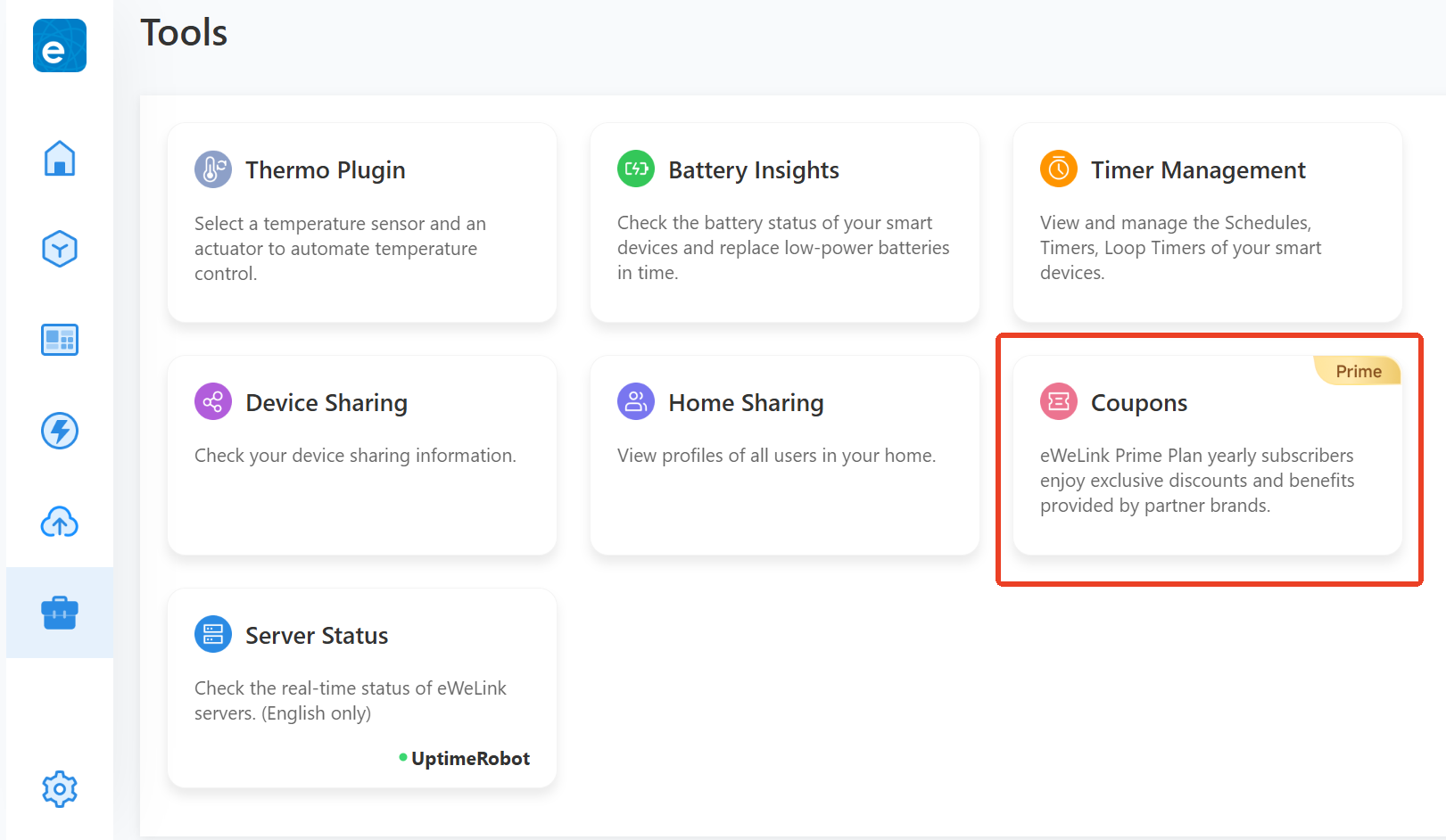
1. Open eWeLink WEB at web.ewelink.cc. Go to Tools → Coupons.
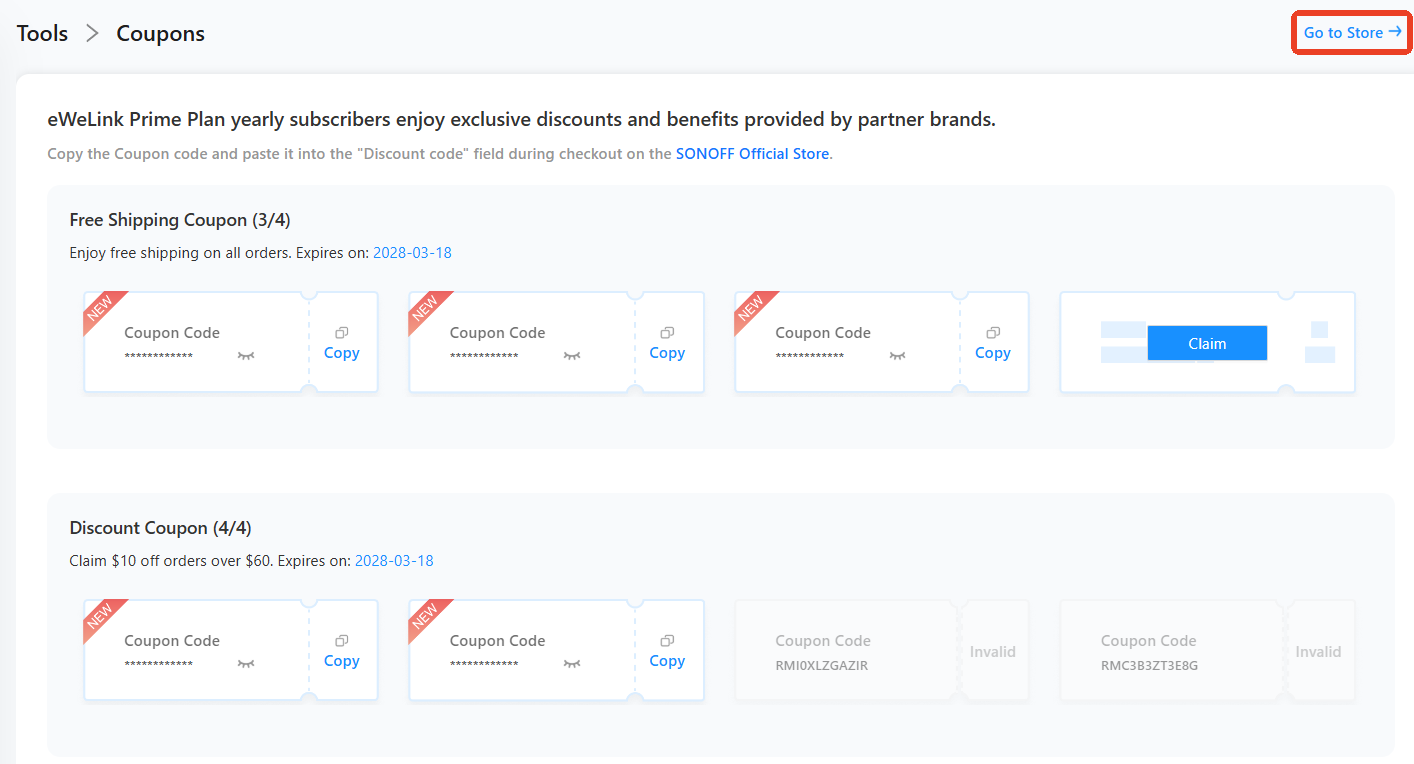
2. Claim and copy the coupon code. Click the upper-right link to go to the store.
3. Paste the coupon code into the “Discount Code” field at checkout on the store.
